Our mission is to build trust and desire for renewed devices. We want you to feel confident in what you are buying, that’s why we give a free 30 day warranty with every Mac we send out the door. You get like new devices at huge discount pricing. Customer service is key in this industry. So, bring it to the Pro’s and get it fixed right the first time.
Our Products
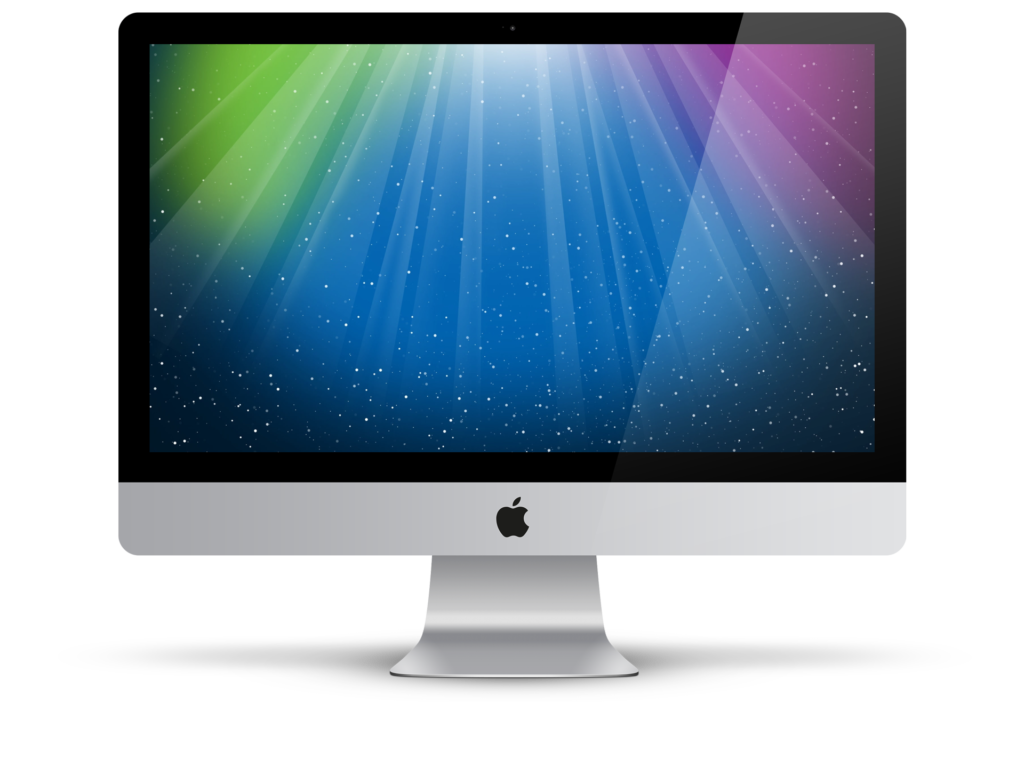
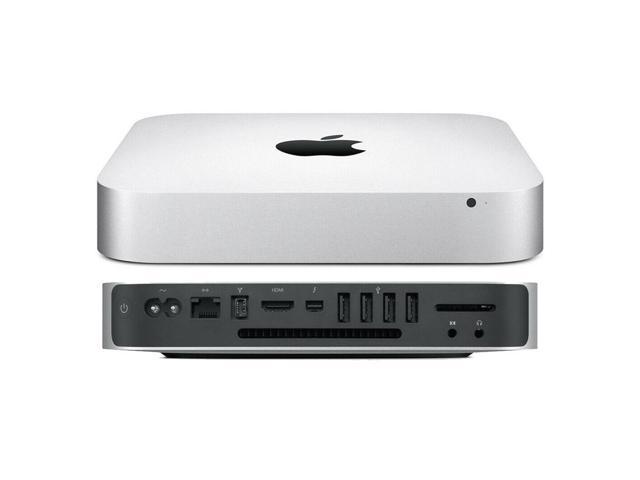
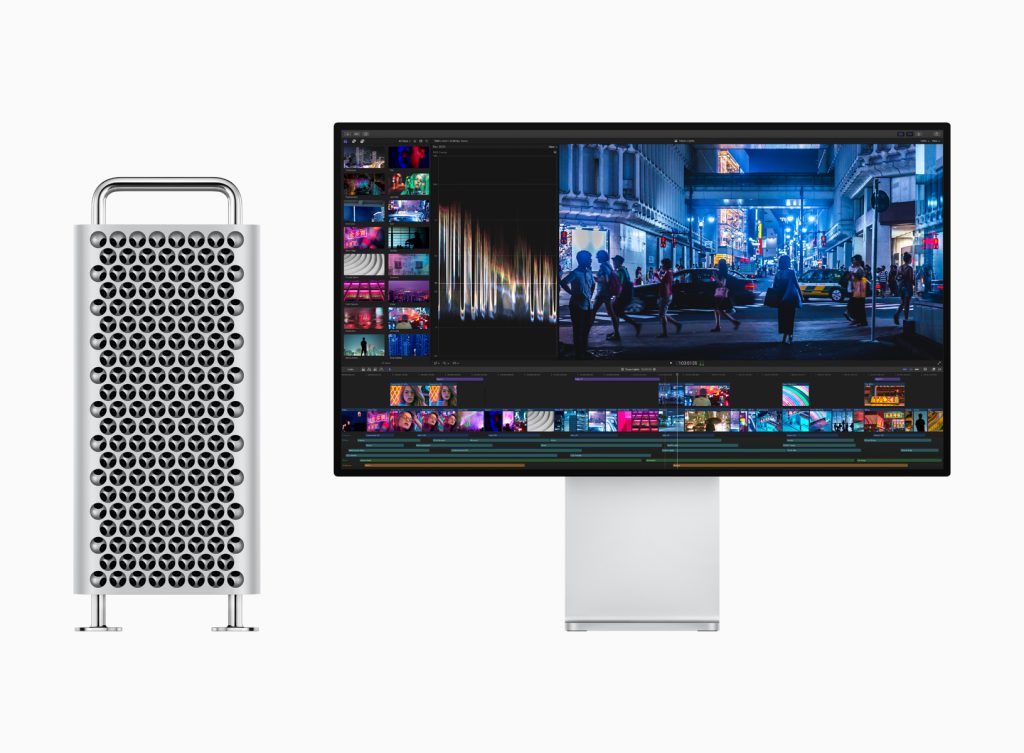
We sell MacBook, iMac, iPad, Mac mini, iPhone, and Accessories
The Mac Space has created a transparent grading system that takes into account both the appearance and technical condition of our renewed devices. Every device is guaranteed to be 100% functional regardless of its grade: Fair, Good, or Excellent.
Competitive Pricing
Buying a laptop should be easy, and it should also be affordable. Choosing a Certified laptop is an excellent way to get the devices you need for the price you want. We have some of the most competitive pricing on the internet. Shop with The Mac Space for quality Certified laptops and find the perfect match for your taste and budget. Your wallet will thank you.
Timely Repairs
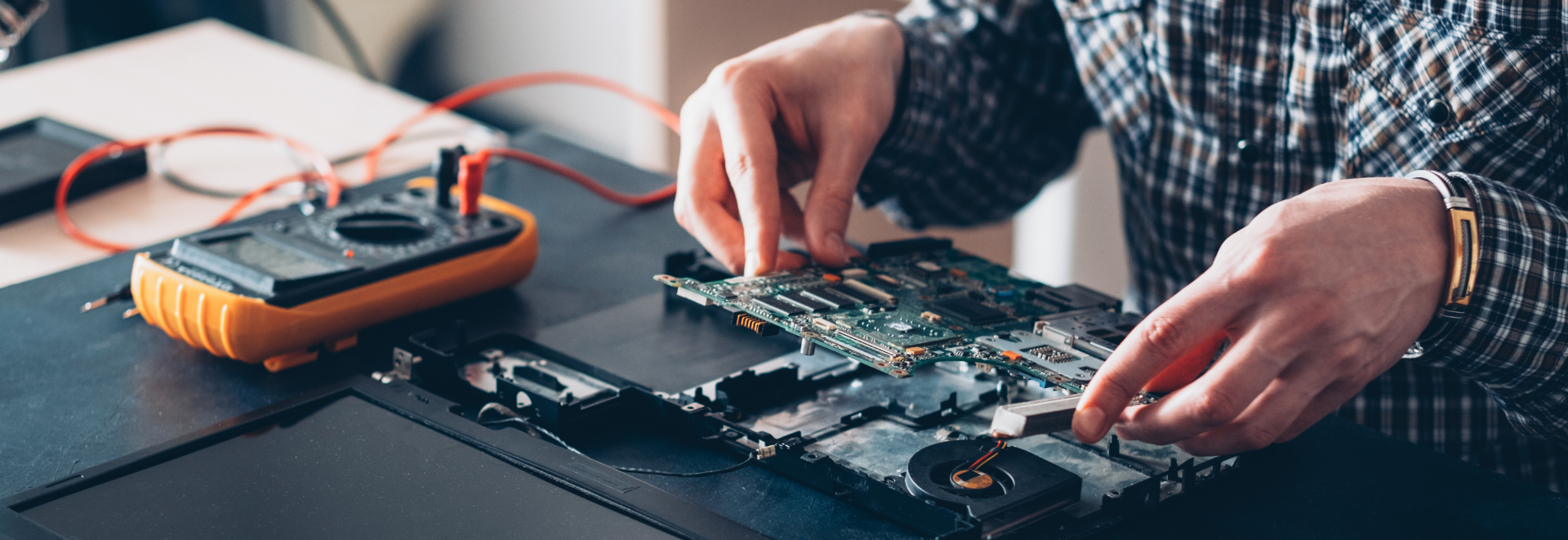
We offer a wide range of repair services to bring your favorite Mac devices back to life. Our professional technicians are always ready to fix your Mac electronics with our vast inventory of Apple parts. When you bring your Mac device to The Mac Space, know that it will be handled by the best technicians in the area. We are the only ones in the area that do full logic board repair and data recovery.
Refreshed Apple Products
The Mac Space has bought and sold thousands of devices. We thoroughly look over each device with a 30-point inspection by our professional technicians before we post it online. Our website is secure, so you can feel confident in every purchase.
What Would You Like To Get Fixed?
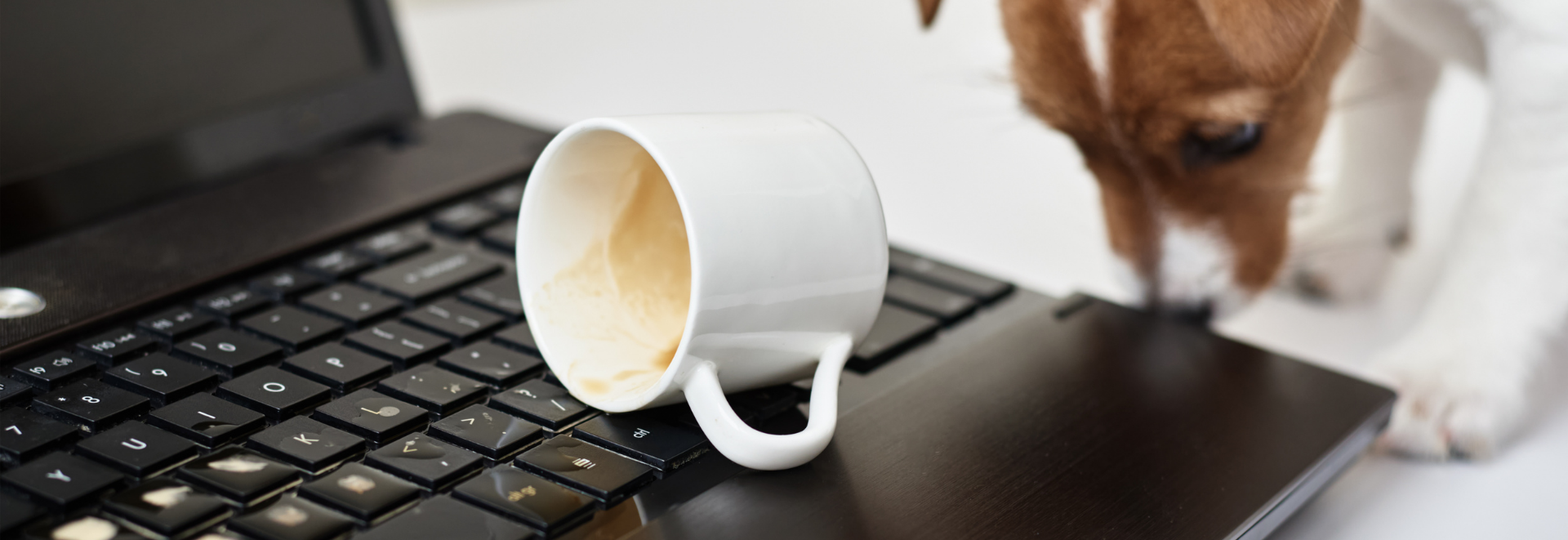
Did you know that 90% of Apple devices are repairable? Water Damage, Accidental Damage, Firmware repair, Corrupt Operating System, Data Recovery, etc.
The Only Apple Computer Repair Service You Need!
We are a full service logic board repair shop. Bring your computer to The Mac Space and get it fixed right the first time. Leave it up to the pro’s to fix your Mac the right way.
Finding a place to buy a Certified MacBook has never been simpler. Shop with The Mac Space for quality Certified laptops and find the perfect match for your taste and budget. So let’s get started.
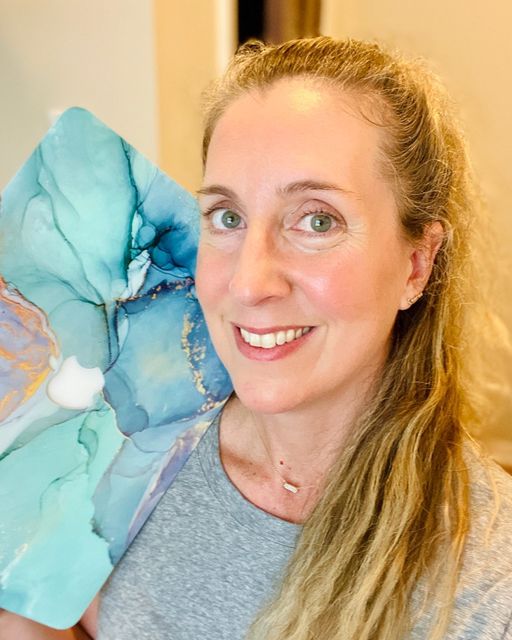
Feeling thankful. One of my children mistakenly spilled water on my laptop and I remembered my friend @senseihollywood telling me about @themacspace. Stephen was amazing! He was able to save my data and in my case the 2015 laptop wasn’t worth repairing due to the water damage, but he set me up with a newer laptop for an awesome price. Check out his store and save his contact info in case you ever need a repair. Such incredible customer service. Highly recommend!!
Lauren SnowCustomer
I am so glad I found Stephen and his business. My old MacBook had water damage on it so I went on a hunt for a reasonably priced refurbished one to replace the damaged one. Stephen’s prices were not only fair but he has gave me a credit for my water damaged MacBook. He took his time and explained each of the options he had available, helped me pick the best MacBook for my needs, walked me through setting everything up, and even put a free case on my new laptop. On top of his knowledge and work ethic, he is a veteran. No better place to support. If you are in the market for a reasonably priced refurbished MacBook or need repairs, I highly recommend Stephen.
Ashley IreneCustomer
Caught them right before they closed. Steve stood with me and taught me so much, took his time explaining even the smallest differences between laptops I was only going in to look at. I ended up walking out with one from how certain I was that I made the right choice. This man loves what he does and you can see that. That enthusiasm alone, topped with his experience and kindness, is the reason why I wont be going to apple stores anymore. The Mac Space is here and best believe there’s no one else I’m trusting for any mac related purchases or questions. Thanks so much for everything again Steve!!